
Key facts
- Brand
- Ricoh
- Model
- MP3500
- Documents
- 2
- Languages
- JA
- Last added
- 2011-12-27
Start here
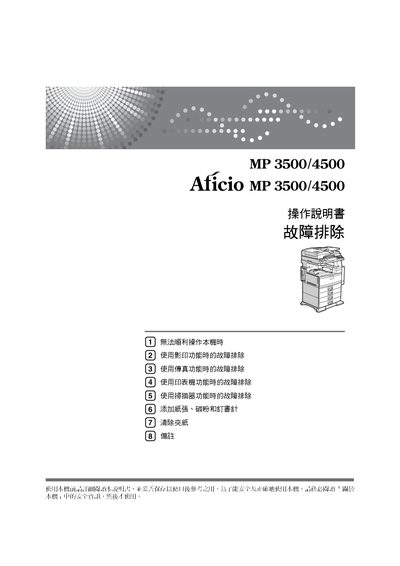
Ricoh Aficio MP3500/4500 User Manual
This manual covers safety precautions, power connection, and initial setup for the Ricoh Aficio MP3500/4500 multifunction printer. It explains how to use the copy, print, and scan functions, as well as network configuration and optional accessories.
Additional sections provide detailed troubleshooting steps for common issues, instructions for handling paper, replacing consumables such as toner and drums, and guidelines for cleaning and maintenance to ensure reliable operation. This manual is written in Japanese.
All Ricoh Aficio MP3500 documents by type
Day-to-day operation, settings and troubleshooting. Start here if the product is already set up.
Questions answered in these manuals
What should I do if the copier does not work properly?
See the troubleshooting section "1.無法順利操作本機時" for common copy‑related problems and their solutions.
What should I do if the machine cannot print?
Refer to the troubleshooting section which provides steps for resolving printing failures.
How do I connect the power supply?
Connect the power cord to the specified power source as described in the manual.