
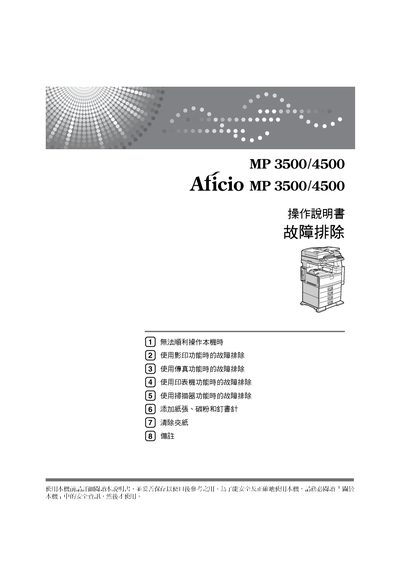
This manual covers all aspects of using the Ricoh MP3500/4500 multifunction printer, including detailed operating procedures, safety precautions, and maintenance tasks. It also lists additional reference guides such as quick‑start guides for copying, printing, scanning, and network configuration.
The document includes sections on power connection, paper handling, troubleshooting common errors, and network setup, helping users resolve issues like paper jams, printing failures, and connectivity problems. This manual is written in Japanese.
| Power Input | 110V 60Hz 12A |
|---|
Refer to the troubleshooting section which provides steps for resolving printing failures.
Connect the power cord to the specified power source as described in the manual.
The network guide explains how to configure the printer in a network environment.