
This document is an operation manual, which provides detailed instructions and precautions for using the device. The document includes safety information, connection methods, system settings, copier/file server features, printer features, scanner features, and other user tools.
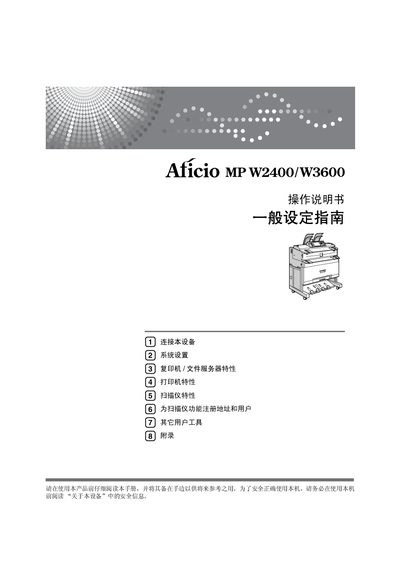
This manual introduces the Ricoh Aficio MP W2400/W3600 multifunction printer, covering safety information, basic setup, and general configuration. It guides users through connecting the device, configuring network settings, and adjusting system preferences.
Detailed sections describe copy, print, and scan features, user tools, administrator functions, and troubleshooting steps. Appendices provide additional software references, licensing information, and technical symbols used throughout the guide. This manual is written in Chinese.
| Copy speed (Model 1) | 4 pages per minute |
|---|---|
| Copy speed (Model 2) | 6 pages per minute |
| Maximum email size | 110 |
Use the "连接至以太网接口" section to attach the device to an Ethernet port.