
This document is an operation manual that provides detailed instructions and precautions for using the product. It covers safety information, troubleshooting steps for copy, print, and scan functions, as well as instructions for adding paper and toner.
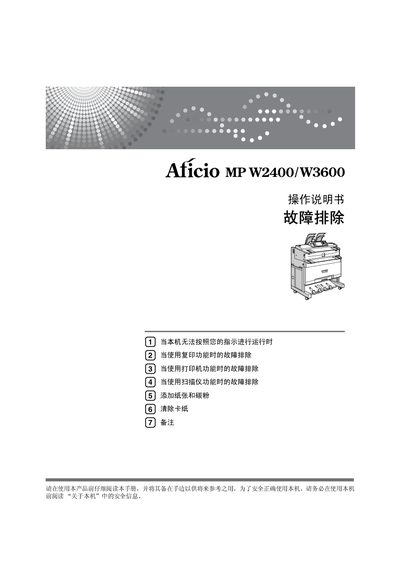
This manual provides detailed operating instructions for the Aficio MP W2400/W3600 multifunction device, including safety information, setup steps, and usage of copy, print, and scan functions. It also explains how to install the supplied CD‑ROM and configure network settings.
Additional sections cover common troubleshooting procedures, how to add paper and toner, clear paper jams, and perform routine maintenance to keep the machine running reliably. This manual is written in Chinese.
| Power supply | 220‑240 V, 50/60 Hz, 8 A or above |
|---|
Refer to the section on clearing paper jams and follow the steps on page 57 to remove the jammed paper.
Open the toner compartment and follow the instructions on page 54 to insert new toner.