
Key facts
- Brand
- Philips
- Model
- 27M1N5200P/27M1N5200PA
- Category
- Monitors
- Industry
- Electronics
- Documents
- 2
- Languages
- PT · ZH
- Last added
- 2026-11-11
Start here
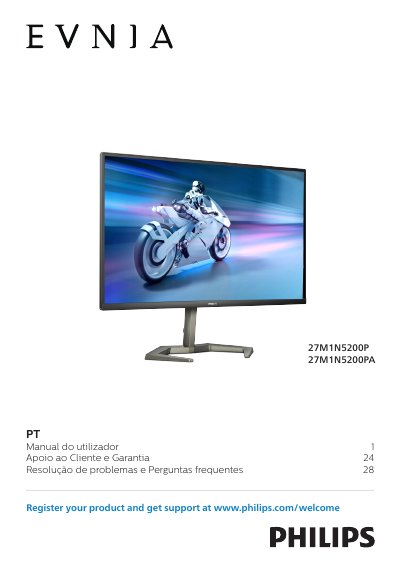
Philips 27M1N5200P/27M1N5200PA Monitor User Manual
This user manual covers safety and maintenance precautions, installation, image optimization, AMD FreeSync Premium, NVIDIA G-SYNC compatibility, HDR, technical specifications, power management, customer care and warranty, and troubleshooting and FAQs for the Philips 27M1N5200P/27M1N5200PA monitor.
It includes setup guidance such as attaching the base and VESA mounting, along with handling, cleaning, storage, and environmental precautions for the monitor. This manual is written in Portuguese.
Philips 27M1N5200P/27M1N5200PA specifications
| Operating temperature | 0-40°C (32-104°F) |
|---|---|
| Operating humidity | 20-80% RH |
| AC/DC adapter model | Philips ADPC2090 |
All Philips 27M1N5200P/27M1N5200PA documents by type
Day-to-day operation, settings and troubleshooting. Start here if the product is already set up.
Questions answered in these manuals
Which AC/DC adapter model is specified for this monitor?
Use only the Philips ADPC2090 AC/DC adapter.
What temperature and humidity range is recommended for best performance?
Temperature 0-40°C (32-104°F) and humidity 20-80% RH.
Why is there no picture on the screen?
Check that the power cable is firmly connected to both the outlet and the monitor, and make sure the monitor’s power button is turned on.
What resolution should I use for the best display quality?
The recommended resolution for this monitor is 1920 × 1080.