
Key facts
- Brand
- Philips
- Model
- DC5070
- Category
- Other
- Industry
- Appliances
- Documents
- 2
- Languages
- EN · ES
- Last added
- 2026-11-11
Start here
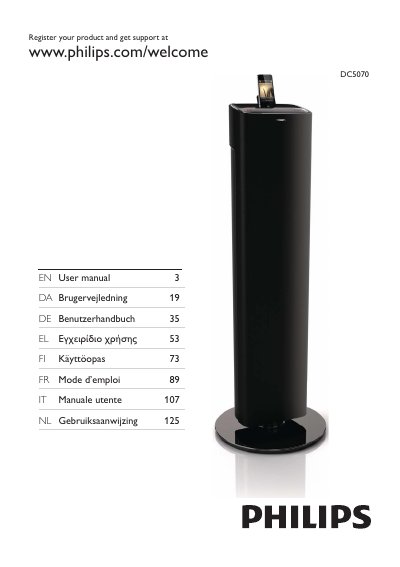
Philips DC5070 Docking Entertainment System User Manual
User Manual 19 pages · 683 KB · EN
This user manual covers the Philips DC5070 Docking Entertainment System, detailing how to register the product, connect the FM antenna and power, and prepare the remote control. It explains how to turn the unit on and set the clock.
Read onlineAll Philips DC5070 documents by type
User Manual 2
Day-to-day operation, settings and troubleshooting. Start here if the product is already set up.
Questions answered in these manuals
Where is the model number located?
The model number and serial number are on the back of the device.
From: Philips DC5070 Docking Entertainment System User Manual
What batteries are required for the remote control?
The remote control requires 2 AAA batteries.
From: Philips DC5070 Docking Entertainment System User Manual
Where is the identification label located?
The identification label is located on the back of the unit.
What devices can play audio through the docking system?
The unit supports audio from iPod/iPhone/iPad, USB devices, and other external devices.