
Portuguese user manual for the Philips 27M1N5200P/27M1N5200PA monitor, covering safety, installation, image settings, HDR, specs, and troubleshooting.
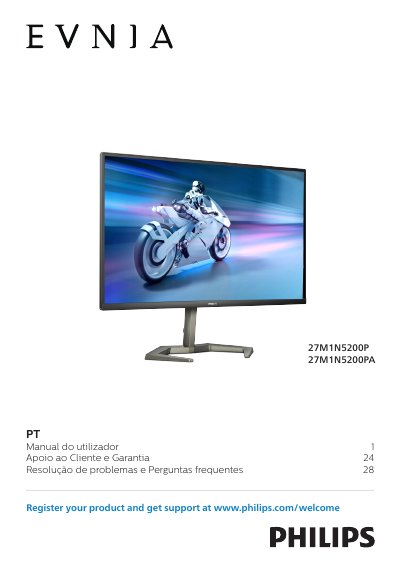
This user manual covers safety and maintenance precautions, installation, image optimization, AMD FreeSync Premium, NVIDIA G-SYNC compatibility, HDR, technical specifications, power management, customer care and warranty, and troubleshooting and FAQs for the Philips 27M1N5200P/27M1N5200PA monitor.
It includes setup guidance such as attaching the base and VESA mounting, along with handling, cleaning, storage, and environmental precautions for the monitor. This manual is written in Portuguese.
| Operating temperature | 0-40°C (32-104°F) |
|---|---|
| Operating humidity | 20-80% RH |
| AC/DC adapter model | Philips ADPC2090 |
Use only the Philips ADPC2090 AC/DC adapter.
Temperature 0-40°C (32-104°F) and humidity 20-80% RH.
It should not tilt downward more than -5 degrees.
Never use organic solvents such as alcohol.