
Key facts
- Brand
- Philips
- Model
- 221B7/231B7
- Category
- Monitors
- Industry
- Electronics
- Documents
- 2
- Languages
- UK · EN
- Last added
- 2026-11-11
Start here
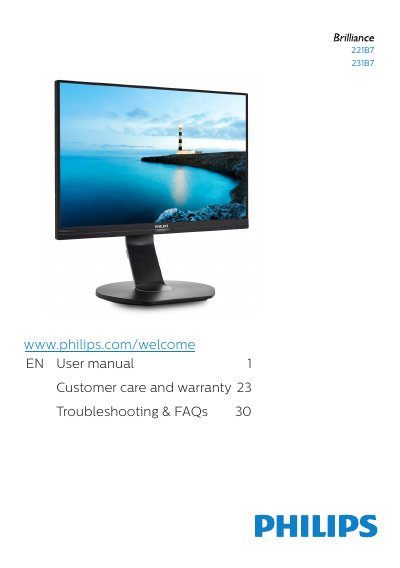
Philips 221B7/231B7 Monitor User Manual
This manual provides safety precautions, installation steps, and operating instructions for the Philips 221B7 and 231B7 monitors. It describes the monitor's controls, connection ports, and features such as SmartImage, SmartContrast, PowerSensor, and the built-in webcam with microphone.
The document also includes technical specifications, power management information, warranty details, pixel defect policy, and a troubleshooting guide with frequently asked questions. It covers package contents, base assembly, VESA mounting, and proper cleaning and maintenance procedures.
Philips 221B7/231B7 specifications
| Operating temperature range | 0-40°C (32-95°F) |
|---|---|
| Operating humidity range | 20-80% RH |
| USB ports | USB upstream, USB fast charger/downstream |
| Built-in webcam with microphone | Yes |
All Philips 221B7/231B7 documents by type
Day-to-day operation, settings and troubleshooting. Start here if the product is already set up.
Questions answered in these manuals
What temperature range is stated for this monitor?
The stated temperature range is 0-40°C, 32-104°F.
How should this monitor be disposed of?
It may not be disposed of with normal household waste; dispose of it through designated waste electrical and electronic equipment collection.
What are the operating temperature and humidity ranges for the monitor?
The monitor operates at temperatures from 0°C to 40°C (32°F to 95°F) and humidity from 20% to 80% RH.
What video input connectors are available on the monitor?
The monitor provides VGA, DisplayPort, and HDMI inputs (HDMI available on 231B7 model).