
The Philips 27M1N5200P/27M1N5200PA monitor user manual provides safety guidelines, installation steps, operation instructions, and technical specifications.
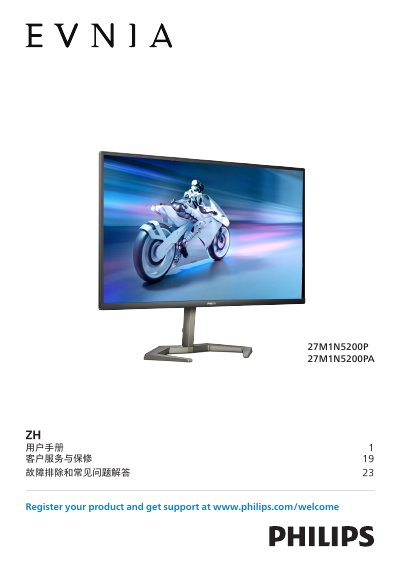
This manual covers safety measures, proper handling, and disposal of the Philips 27M1N5200P/27M1N5200PA display. It includes detailed installation instructions, connection diagrams, and guidance on adjusting the monitor’s OSD settings for optimal image quality.
The document also explains image‑enhancement features such as SmartImage, HDR, AMD FreeSync™ Premium, and NVIDIA® G‑SYNC® compatibility, and provides troubleshooting tips, warranty information, and a full list of technical specifications. This manual is written in Chinese.
| Panel size | 27" (68.5 cm) |
|---|---|
| Backlight | W‑LED system |
| Resolution | 1920 × 1080 @ 240 Hz |
| Refresh rate range | 48 Hz – 240 Hz |
| Contrast ratio (typical) | 1000:1 |
| Connectivity – HDMI | 2 × HDMI 2.0 (HDCP 2.2) |
| Connectivity – DisplayPort | 1 × DisplayPort 1.4 (HDCP 2.2) |
| USB ports | 4 × USB‑A (downstream) + 1 × USB‑B (upstream) with fast‑charge BC 1.2 |
| Built‑in speakers | 2 × 5 W |
| Tilt range | -5° to +20° |
| Rotation range | -45° to +45° |
Check that the power cable is firmly connected to both the outlet and the monitor, and make sure the monitor’s power button is turned on.
The recommended resolution for this monitor is 1920 × 1080.
Use a clean, soft cloth; for deeper cleaning, lightly dampen the cloth with isopropyl alcohol, avoiding harsh solvents.