
Key facts
- Brand
- Philips
- Model
- AJ100
- Category
- Other Electronics
- Industry
- Electronics
- Documents
- 4
- Languages
- EN · FR · ZH
- Last added
- 2026-11-11
Start here
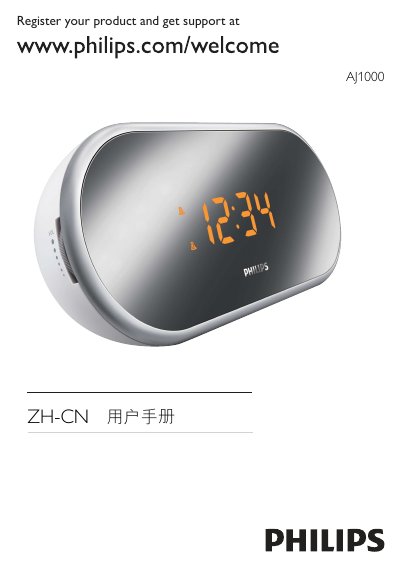
Philips AJ1000 Clock Radio User Manual
This manual covers safety precautions, proper installation, and handling of the Philips AJ1000 clock radio. It explains how to register the product, describes the included accessories, and outlines the functions of each control button.
Detailed sections guide users through initial setup, time and alarm configuration, FM radio tuning, volume adjustment, and power connection. The document also lists technical specifications, environmental information, and a troubleshooting guide for common issues such as power problems, poor reception, and alarm malfunctions. This manual is written in Chinese.
Philips AJ100 specifications
| Output power (RMS) | 80 mW |
|---|---|
| Speaker diameter | 2.5" |
| Volume control | Rotary |
| Station presets | 5 |
| Tuner bands | FM |
| Alarms | 24-hour alarm reset, Buzzer Alarm, Gentle Wake, Radio Alarm, Repeat alarm (snooze), Sleep timer |
| Backlight colour | White |
| Clock/version | Digital |
| Display digits | 4 |
| Display type | LCD |
| Display enhancements | Brightness Control |
| Included accessories | User manual, Warranty certificate, AC-DC Adapter |
| Packaging dimensions (W x H x D) | 17 2 x 238 x 614 mm |
| Product dimensions (W x H x D) | 95 x 105 x 110 mm |
| Weight incl. packaging | 5.5 kg |
| Adapter type | 220 V |
All Philips AJ100 documents by type
Day-to-day operation, settings and troubleshooting. Start here if the product is already set up.
Questions answered in these manuals
What alarm functions does the AJ100 include?
It includes a 24-hour alarm reset, buzzer alarm, gentle wake, radio alarm, repeat alarm (snooze), and sleep timer.
How many radio station presets are available?
Five one-touch radio presets are available.
How many alarms can I set on the AJ1000?
You can set two alarms at different times.
What can I use as the alarm sound?
The alarm can use the buzzer or the current radio station.
How do I set the time on the AJ1000?
Switch the clock control to SET TIME and use the buttons to adjust the time in 24‑hour format.
What should I check if the device does not power on?
Make sure the power cord is securely connected and that the AC outlet is supplying power.