
Key facts
- Brand
- Philips
- Model
- DVP5500
- Category
- Other Electronics
- Documents
- 2
- Languages
- ZH
- Last added
- 2000-01-01
Start here
Philips DVP5500S DVD Player User Manual
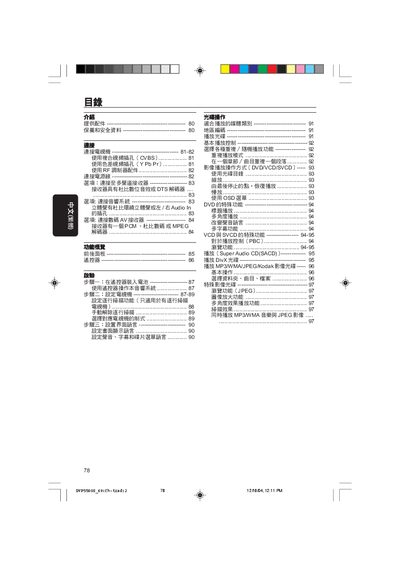
The Philips DVP5500S DVD player manual covers everything you need to get the device up and running, from unpacking accessories and safety precautions to connecting the unit to a TV and audio system. Detailed instructions guide you through remote‑control setup, TV video input selection, and configuring audio output options.
Later sections explain how to operate DVDs, VCDs, SVCDs and DivX discs, adjust picture and sound settings, and resolve common issues such as no power, no picture, or audio problems. The troubleshooting guide lists symptoms, checks, and recommended actions, and provides contact information for Philips service support. This manual is written in Chinese.
Philips DVP5500 specifications
| Power Supply | 110-240V; 50/60Hz |
|---|---|
| Standby Power Consumption | < 0.8W |
| Weight | ≈ 2.0 kg |
| Dimensions (W×H×D) | 435 × 37 × 265 mm |
| Audio Output (Analog) | L+R (white/red connectors) |
All Philips DVP5500 documents by type
Day-to-day operation, settings and troubleshooting. Start here if the product is already set up.
Questions answered in these manuals
How do I install batteries in the remote control?
Open the battery cover, insert two AA (or KL‑marked) batteries as shown, and close the cover.
Why is there no picture on the TV?
Check that the mains power is properly connected, the TV is turned on, and the correct video input (CVBS, Y Pb/Pr, etc.) is selected.
What accessories are included with the Philips DVP5500 DVD player?
The included accessories are a composite video cable (yellow), audio cables (white and red), and a remote control with two batteries.
How much clearance should be left around the DVD player for airflow?
Leave 10 cm (4 inches) of space around the DVD player to maintain good air circulation.