
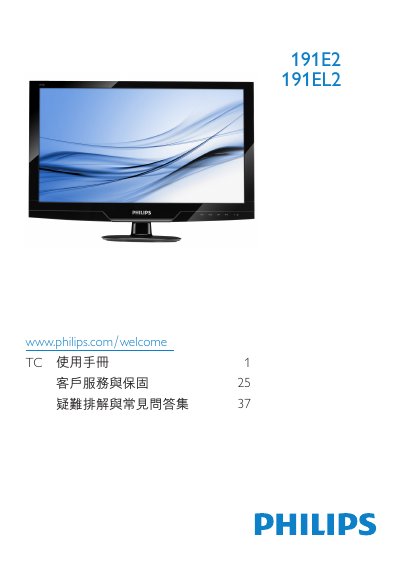
Philips 191E2/191EL2 LCD Monitor User Manual


Philips 191E2/191EL2 LCD Monitor User Manual - cover page
Brand
Philips
Category
Monitor
Document type
User Manual
Language
Chinese
Pages
46
File format
PDF
File size
5.5 MB
Updated
29 September, 2023
Models
191E2, 191EL
MD5 checksum
4BA624B477AD1372B29EC64E3373FC39

About this manual

This user manual provides instructions for the Philips 191E2/191EL2 LCD monitor. It covers safety precautions, installation steps including connecting the power and signal cables, and basic operation of the On-Screen Display (OSD) menu. The guide explains how to adjust settings such as brightness, contrast, and color temperature. This manual is written in Chinese.

What's inside

  • Safety Measures
  • Installation
  • Operation
  • SmartImage Lite
  • Technical Specifications
  • Troubleshooting
  • Warranty Information

Specifications

Optimal Resolution1366x768 @60Hz
Operating Temperature0-40 ℃
Operating Humidity20-80% RH

Frequently asked questions

What are the SmartImage Lite modes?

The three available modes are Standard, Internet, and Game.

What is the recommended resolution for this monitor?

The monitor performs best at 1366x768 @60Hz.

Download PDF (5.5 MB)

More Philips Manuals


View all Philips manuals →