
Key facts
Start here
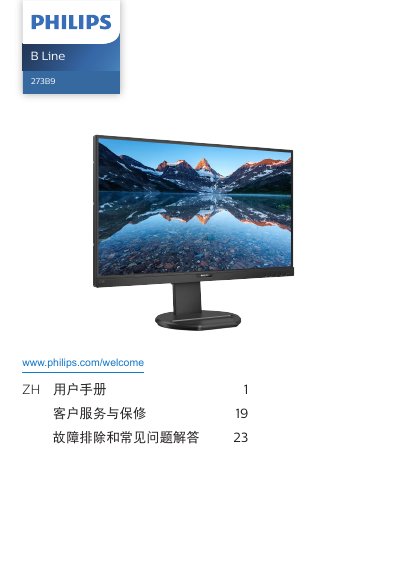
Philips 273B9 Monitor User Manual
This manual covers all essential information for using the Philips 273B9 LCD monitor. It begins with safety precautions, disposal instructions, and warranty conditions, then guides you through unpacking, mounting the base, and connecting video and USB cables.
Later sections explain the on‑screen display (OSD) menu, SmartImage and Adaptive Sync features, PowerSensor power‑saving modes, and detailed technical specifications. The final chapters provide troubleshooting tips, FAQs, and contact information for service and support. This manual is written in Chinese.
Philips 273B9 specifications
| Screen size | 27 inches / 68.6 cm |
|---|---|
| Resolution | 1920 x 1080 @ 75 Hz |
| Brightness | 250 cd/m² |
| Viewing angle | 178° horizontal / 178° vertical |
All Philips 273B9 documents by type
Day-to-day operation, settings and troubleshooting. Start here if the product is already set up.
Questions answered in these manuals
What is the screen size of the Philips 273B9 monitor?
It has a 27-inch (68.6 cm) panel.
Can the monitor charge a laptop through USB-C?
Yes, it can power and charge compatible notebooks using one USB-C cable.
What is the maximum USB-C power delivery?
The monitor supports a maximum USB-C power delivery of up to 65 W.
Does the monitor support USB-C video transmission?
Yes, it supports USB-C DP Alt mode for video transmission.
What resolution should I set for optimal performance?
Set the monitor to its native resolution of 1920 × 1080 at 60 Hz.
How can I prevent image retention or burn‑in?
Enable the screen‑saver and the periodic refresh application when the monitor is left unattended.