
Key facts
- Brand
- Philips
- Model
- DC185
- Category
- Hi-Fi
- Industry
- Electronics
- Documents
- 2
- Languages
- ES · EN
- Last added
- 2026-11-18
Start here
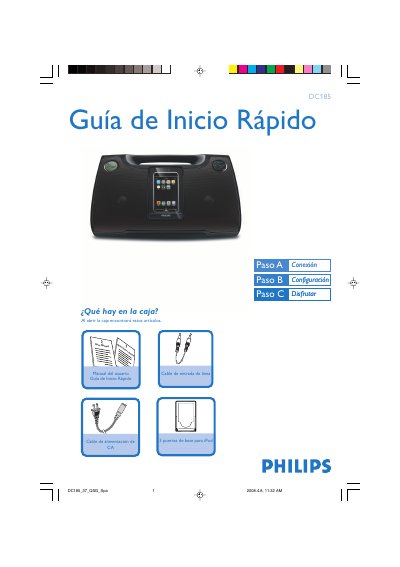
Philips DC185 iPod Docking System Quick Start Guide
This Spanish quick start guide for the Philips DC185 docking system walks through three steps: connecting the system's AC power cord, setting up the iPod dock with the supplied adapters, and enjoying playback. It also lists what is included in the box.
The setup step explains how to choose and insert the right dock adapter, how to adjust the dock height, and how to install and remove an iPod. The playback step covers playing an iPod, playing audio files from a USB mass storage device, programming and tuning FM radio stations, and using the remote control, with a note that detailed functions are described in the supplied user manual. This manual is written in Spanish.
Philips DC185 specifications
| Included iPod dock adapters | 3 dock adapters, each marked for a matching iPod type |
|---|---|
| USB mass storage support | USB flash memory and USB flash players (USB 2.0 or USB 1.1) |
| Radio tuner | FM tuner with preset programming |
| Power supply | Supplied AC power cord only |
All Philips DC185 documents by type
The shortest path to a working setup, usually only a few pages.
Day-to-day operation, settings and troubleshooting. Start here if the product is already set up.
Questions answered in these manuals
How many iPod dock adapters are included with the Philips DC185?
Three iPod dock adapters are included, and each one carries a marking showing which iPod type it matches.
How do I play a USB storage device on the DC185?
Insert the USB connector into the socket on top of the system, press SOURCE until USB is selected, then play the audio files with the playback buttons.
What batteries does the Philips DC185 use?
It uses six batteries, type R-14, UM-2 or C-cells.
From: Philips DC185 Docking Entertainment System User Manual
How many FM radio stations can I store?
You can store up to 20 FM radio stations in the memory.
From: Philips DC185 Docking Entertainment System User Manual