
Key facts
- Brand
- Philips
- Model
- CE120
- Category
- Car Accessories
- Industry
- Automotive
- Documents
- 2
- Languages
- ES
- Last added
- 2026-11-18
Start here
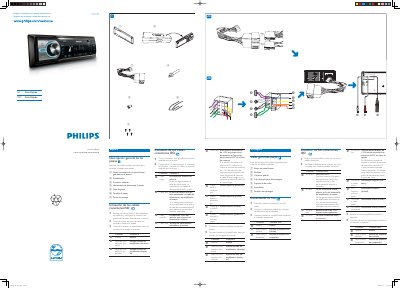
Philips CE120 Car Receiver Quick Start Guide
This bilingual Spanish and Portuguese quick start guide covers the Philips CE120 car receiver. It describes the included parts, ISO connector wiring, front panel placement, dashboard mounting, and basic operation.
The guide also explains front panel removal, power and clock settings, radio tuning, and playback controls for USB devices and SD/MMC cards. This manual is written in Spanish.
Philips CE120 specifications
| Dashboard opening | 183 mm x 52 mm |
|---|---|
| Radio bands | FM1, FM2, FM3, AM1, AM2 |
| USB input | USB device playback |
| Memory card slot | SD or MMC card playback |
All Philips CE120 documents by type
The shortest path to a working setup, usually only a few pages.
Day-to-day operation, settings and troubleshooting. Start here if the product is already set up.
Questions answered in these manuals
How do I turn the Philips CE120 on and off?
Press to turn the unit on. Press and hold for 3 seconds to turn it off.
How do I set the clock?
Press MENU/DISP for 3 seconds, use DBB or SEARCH to display the clock, then rotate to set the hours and minutes and press to confirm.
How do I turn the unit off?
Press the power button for 3 seconds.
How do I tune the radio manually?
Press the left or right arrow buttons to tune to a station.