
Key facts
Start here
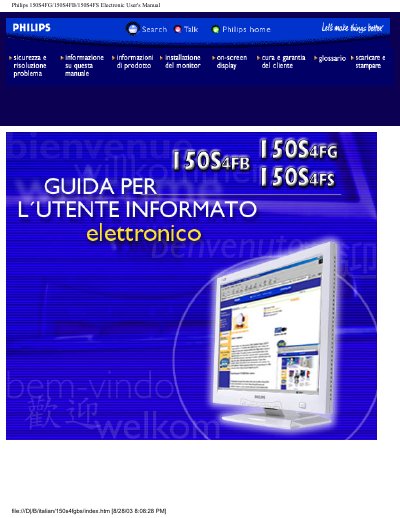
Philips 150S4FG/150S4FB/150S4FS LCD Monitor User Manual
This document is the electronic user's manual for the Philips 150S4FG/150S4FB/150S4FS series of 15-inch color LCD monitors. It provides comprehensive instructions for the safe operation, installation, and maintenance of the device. The guide includes specific safety precautions, such as avoiding direct sunlight and using a screen saver to prevent image retention, as well as detailed troubleshooting steps for common issues. This manual is written in Italian.
Read onlinePhilips 150S4FG/150S4FB/150S4FS specifications
| Screen Size | 15 inches |
|---|---|
| Resolution | 1024 x 768 pixels |
| Refresh Rate | 56Hz-76Hz |
| Contrast Ratio | 400 (typ.) |
| Brightness | 250 cd/m2 (typ.) |
| Power Consumption | 23 W (typ.) |
| Dimensions (with stand) | 343 x 310 x 170 mm |
| Weight | 3,7 Kg |
Source: Philips 150S4FG/150S4FB/150S4FS LCD Monitor User Manual
All Philips 150S4FG/150S4FB/150S4FS documents by type
Day-to-day operation, settings and troubleshooting. Start here if the product is already set up.
Questions answered in these manuals
What is the operating temperature range?
The monitor should be operated between 5°C and 40°C.
From: Philips 150S4FG/150S4FB/150S4FS LCD Monitor User Manual
How should I clean the monitor?
Use a dry cloth to dust it; do not use alcohol, solvents, or ammonia-based liquids.
From: Philips 150S4FG/150S4FB/150S4FS LCD Monitor User Manual
What are the safety precautions for cleaning the monitor?
Unplug the monitor if you need to clean it with a slightly damp cloth. Do not use liquids with an alcohol base, solvents, or ammonia.
From: Philips 150S4FG/150S4FB/150S4FS LCD Monitor User Manual
What is the recommended resolution for this monitor?
The recommended resolution is 1024 x 768 at 60Hz.
From: Philips 150S4FG/150S4FB/150S4FS LCD Monitor User Manual