
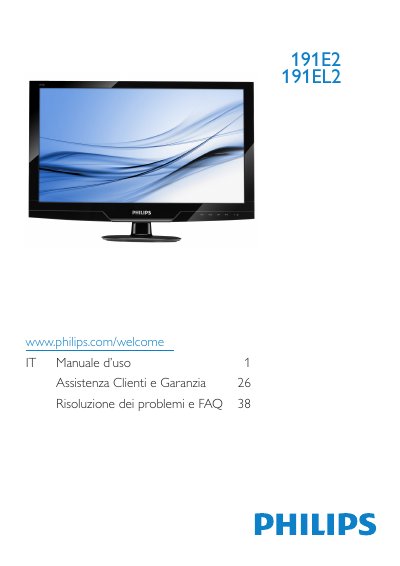
This manual provides instructions for the Philips 191E2/191EL2 LCD monitor. It covers safety precautions, installation steps including base attachment and PC connection, and detailed descriptions of the On-Screen Display (OSD) menu for adjusting picture settings like brightness, contrast, and color temperature. The document also explains features such as SmartImage Lite and SmartContrast. This manual is written in Italian.
| Native Resolution | 1366x768 at 60Hz |
|---|---|
| Color Temperature Options | 5000K, 6500K, 7500K, 8200K, 9300K, 11500K |
| Operating Temperature | 0-40°C (32-95°F) |
| Operating Humidity | 20-80% RH |
The monitor is designed for optimal performance at its native resolution of 1366x768 at 60Hz.
An alert message will appear at startup warning the user to use the native resolution for best performance.
Disconnect the power, then wipe with a slightly damp cloth; do not use organic solvents like alcohol or ammonia.