
Key facts
- Brand
- Philips
- Model
- MCM2300
- Category
- Hi-Fi
- Industry
- Electronics
- Documents
- 2
- Languages
- EN
- Last added
- 2026-11-18
Start here
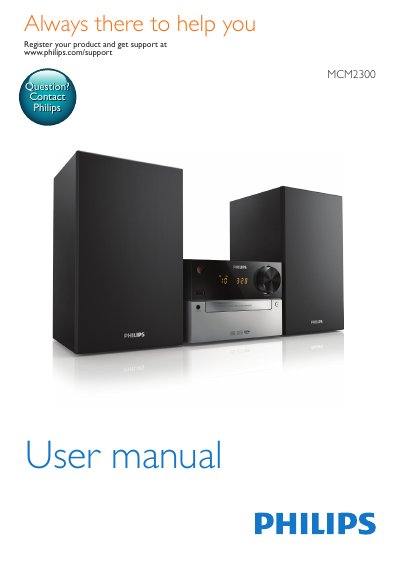
Philips MCM2300 Micro Music System User Manual
Philips MCM2300 Micro Music System user manual explains how to set up and operate the micro music system. It covers connecting speakers and power, preparing the remote control, setting the clock, and selecting sources such as disc, USB, tuner, and audio in.
The manual also describes playing discs and USB devices, tuning and programming FM radio stations, adjusting volume and sound effects, setting alarm and sleep timers, and troubleshooting common issues. Product specifications and USB playability information are included at the end.
Philips MCM2300 specifications
| Maximum Output Power | 15 W |
|---|---|
| Frequency Response | 60 Hz - 16 kHZ; +3 dB |
| Signal to Noise Ratio | >70 dB |
| Speaker Impedance | 6 ohm |
| Tuning Range | 87.5-108 MHz |
| AC power | 100-240 V~, 50/60 Hz |
All Philips MCM2300 documents by type
Day-to-day operation, settings and troubleshooting. Start here if the product is already set up.
Questions answered in these manuals
What can you do with the Philips MCM2300?
You can enjoy audio from discs, USB devices, and other external devices, and listen to radio stations.
How do you set the clock?
Use the CLOCK button on the remote control to set the clock and view clock information.
How do I set the clock on the Philips MCM2300?
In standby mode, press and hold CLOCK for more than 2 seconds, select 24H or 12H, then set the hour and minute with the / buttons, pressing CLOCK after each step.
How many tracks can I program?
The MCM2300 can program 20 tracks in the desired sequence.