
Key facts
- Brand
- Philips
- Model
- 49BDL4050D
- Industry
- Electronics
- Documents
- 4
- Languages
- DE · ZH
- Last added
- 2026-11-23
Start here
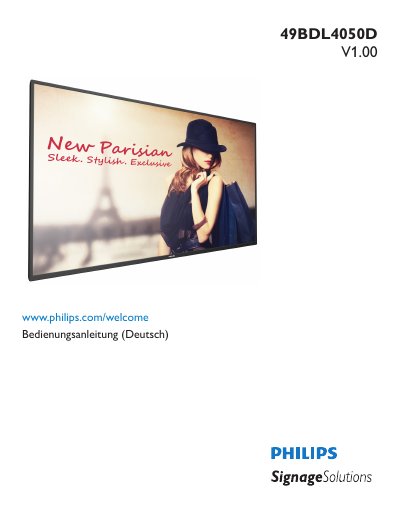
Philips 49BDL4050D Monitor User Manual
This is the German user manual (Bedienungsanleitung) for the Philips 49BDL4050D monitor. It provides safety instructions, operating guidance, and maintenance information for the display.
Topics include placement and ventilation, cleaning, power handling, prevention of image retention, and service contacts. The document also contains the CE declaration of conformity, an FCC notice for the USA, and the EU declaration of conformity. This manual is written in German.
Philips 49BDL4050D specifications
| Operating temperature | 0-40 °C (32-104°F) |
|---|---|
| Relative humidity | 20-80 % |
| EMC class | Class A (EN55032/CISPR 32) |
All Philips 49BDL4050D documents by type
Day-to-day operation, settings and troubleshooting. Start here if the product is already set up.
Questions answered in these manuals
What is the recommended operating temperature range for the display?
Use the display within a temperature range of 0-40 °C (32-104°F).
How long should you wait before reconnecting the power cord after switching off?
Wait 6 seconds before reconnecting the power cord for normal operation.
What power input does the Philips 49BDL4050D use?
It uses AC 100-240V at 50-60Hz.
What is the operating temperature range?
The listed operating temperature range is 0-40°C.
What operating system does the 49BDL4050D run?
It runs Android 4.4.4, allowing you to run apps or use preloaded content.
How does the display handle network failures?
It uses FailOver technology to automatically switch to backup content if the primary input fails.