
Key facts
- Brand
- Philips
- Model
- 42TA3000
- Category
- Television
- Industry
- Electronics
- Documents
- 2
- Languages
- ZH
- Last added
- 2026-11-18
Start here
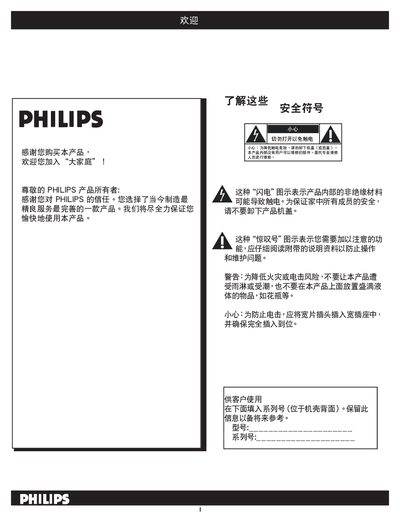
Philips 42TA3000 LCD TV User Manual
This manual begins with important safety warnings, proper handling instructions, and preparation steps for installing the Philips 42TA3000 LCD TV. It covers wall‑mount installation requirements, recommended ventilation space, and precautions to avoid electric shock or fire hazards.
The guide then explains remote‑control operation, button functions on the TV chassis, menu navigation, picture and sound settings, automatic channel search, sleep timer, and troubleshooting tips. A full specification table lists dimensions, weight, power consumption, audio output, supported video inputs and screen formats. This manual is written in Chinese.
All Philips 42TA3000 documents by type
Mounting, wiring and first power-up. Read it before the hardware goes in.
Day-to-day operation, settings and troubleshooting. Start here if the product is already set up.
Questions answered in these manuals
How do I tune to a cable box signal?
Use the AV button on the remote control to tune to the AV channel for the cable box signal.
What should be done after setting up cable or antenna channels?
Run the Auto store function to set up the TV for the broadcast or cable channels available in your area.
How do I perform an automatic channel search?
After powering on the TV, go to the Settings menu, select “Automatic Search,” and press OK; the TV will scan for available channels for about three minutes.
How do I turn the TV on or off with the remote?
Press the POWER button on the remote control to toggle the TV’s power state.