
Key facts
- Brand
- Philips
- Model
- 40PFL5505D
- Category
- Television
- Industry
- Electronics
- Documents
- 2
- Languages
- EN
- Last added
- 2026-11-18
Start here
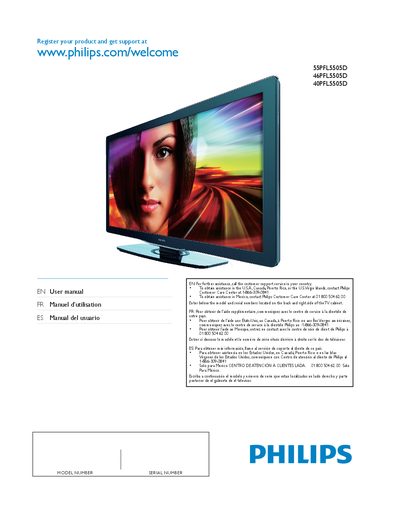
Philips 55PFL5505D/46PFL5505D/40PFL5505D User Manual
This manual provides step‑by‑step guidance for installing, connecting and using Philips 55PFL5505D, 46PFL5505D and 40PFL5505D LCD televisions. It covers safety notices, mounting, remote control setup, channel installation, software updates and troubleshooting.
Additional sections explain screen care, energy‑saving features, warranty information and how to register the product online for support and warranty benefits.
Philips 40PFL5505D specifications
| Screen size | 40 inch |
|---|---|
| Panel resolution | 1920x1080p |
| Response time | 1 ms |
| Contrast ratio | 5000:1 |
| Power consumption | 205 W |
| Mains power | 120V/60Hz |
| Standby power consumption | < 0.1 W |
| Viewing angle | 178º (H) / 178º (V) |
All Philips 40PFL5505D documents by type
Day-to-day operation, settings and troubleshooting. Start here if the product is already set up.
Questions answered in these manuals
Can the TV play photos and music from USB?
Yes, the USB connector allows access to JPEG photos and MP3 music from most USB sticks.
Can the TV be used as a PC monitor?
Yes, connecting the TV to a computer by a VGA cable lets you use it as a PC monitor.
How can I register my Philips TV?
Visit www.philips.com/welcome and complete the product registration card online.
What is the US customer support phone number for Philips TVs?
Call the Philips Customer Care Center at 1‑866‑309‑0841 for assistance in the United States, Canada, Puerto Rico, or the U.S. Virgin Islands.