
Key facts
- Brand
- Philips
- Model
- 22PFL3409/93
- Category
- Television
- Industry
- Electronics
- Documents
- 3
- Languages
- EN · ZH
- Last added
- 2026-11-18
Start here
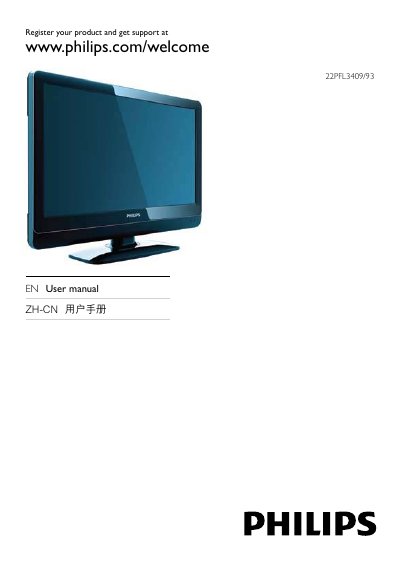
Philips 22PFL3409/93 Monitor User Manual
This manual covers the Philips 22PFL3409/93 flat‑panel display, describing its main features, control buttons, and supported connections such as HDMI. It also explains the environmental compliance and warranty conditions for the product.
The guide is organized into safety notices, installation steps, remote‑control usage, picture and sound settings, and a troubleshooting section. It includes warnings about water exposure, fire hazards, and proper mounting, as well as details on the product’s hazardous‑substance limits and a 10‑year environmental protection period. This manual is written in Chinese.
All Philips 22PFL3409/93 documents by type
Day-to-day operation, settings and troubleshooting. Start here if the product is already set up.
Questions answered in these manuals
How do I switch the TV to standby?
Use the Standby-On control on the remote control; it switches the TV to standby if it is on.
What should I check before connecting the TV to the power outlet?
Make sure the power voltage matches the value printed on the back of the TV.
How can I register my Philips TV?
You can register the product and get support at www.philips.com/welcome.
Where can I find support for my Philips TV?
Support information is available at www.philips.com/support.