
Key facts
- Brand
- Philips
- Model
- TAS5505
- Industry
- Electronics
- Documents
- 2
- Languages
- NL · ZH
- Last added
- 2026-11-17
Start here
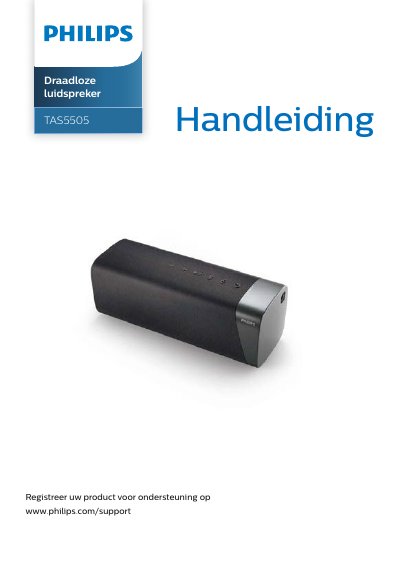
Philips TAS5505 Wireless Speaker User Manual
This manual provides instructions for using the Philips TAS5505 wireless speaker, including charging the built-in battery, connecting via Bluetooth, managing calls, and troubleshooting common issues. It also covers safety precautions and product specifications.
The speaker features Bluetooth 5.0 connectivity, 20W output power, and a 20-meter range. It includes a USB cable for charging and is designed for indoor use only. Safety guidelines cover battery handling, ventilation, and avoiding water or extreme temperatures. This manual is written in Dutch.
Philips TAS5505 specifications
| Power Supply | 5 V 2 A |
|---|---|
| Battery | 3.7 V, 4800 mAh |
| Dimensions | 191 x 72 x 70 mm |
| Weight | 0.58 kg |
| Output Power | 20 W |
| Frequency Response | 20 - 20000 Hz |
| Bluetooth Version | 5.0 |
| Bluetooth Range | 20 meters |
All Philips TAS5505 documents by type
Day-to-day operation, settings and troubleshooting. Start here if the product is already set up.
Questions answered in these manuals
How do I connect via Bluetooth?
Turn on the speaker, then enable Bluetooth on your device and select "Philips S5505" from the list to pair.
How do I use stereo mode?
Turn on two identical Philips S5505 speakers, hold the button until the LED flashes red and white, then press the button on one speaker to play music through both.
How do I charge the built-in battery?
Connect the speaker's USB-C port to a 5 V 2 A socket using the supplied USB cable. The battery LED alternates red and white while charging and turns off when fully charged.
How do I pair the speaker with a Bluetooth device?
Turn on the speaker, enable Bluetooth on the device, and select "Philips S5505" in the Bluetooth list. Then play audio on the device to start streaming.