
Key facts
Start here
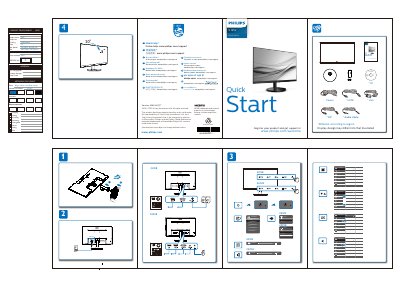
Philips 241V8/242V8 Monitor Quick Start Guide
This file is the artwork document for the printed quick start sheet of the Philips V line 241V8/242V8 monitor. It sets out the print production details of the folded sheet, including paper, colours, spot colour, cropping, coating, varnishing, embossing, cutter guide, die-cut, binding and glue fields, together with the approval and version records for the artwork.
The sheet itself gives the user the start-up path: register the product and get support at www.philips.com/welcome, and reach online help in many languages through www.philips.com/support. It also lists the box contents (drivers and user's manual, plus cables such as audio, HDMI and DP), names the models 241V8 and 242V8, and shows on-screen settings such as Picture, Color, Language, Audio, Input, LowBlue Mode and SmartImage.
Philips 241V8/242V8 specifications
| Models covered | 241V8, 242V8 |
|---|---|
| Paper | 80gsm white, woodfree coated |
| Spot colour | Pantone 300c |
| Folded size | 594 (W) x 210 (H) mm |
| Spread size | 1148.5 (W) x 210 (H) mm |
| Scale | 1:1 |
All Philips 241V8/242V8 documents by type
The shortest path to a working setup, usually only a few pages.
Day-to-day operation, settings and troubleshooting. Start here if the product is already set up.
Questions answered in these manuals
How do I register the Philips 241V8/242V8 monitor and get support?
Register your product and get support at www.philips.com/welcome.
Where can I find online help?
Online help is available at www.philips.com/support, with the same address listed for each language.
What is the maximum downward tilt angle for the Philips V Line 241V8/242V8/241i8 monitor?
The monitor should not be tilted downward more than -5 degrees.
What should you do if the monitor is exposed to water?
Turn off the power and unplug the power cord, then remove the foreign object or dry the water and take it to a repair center.