
Key facts
Start here
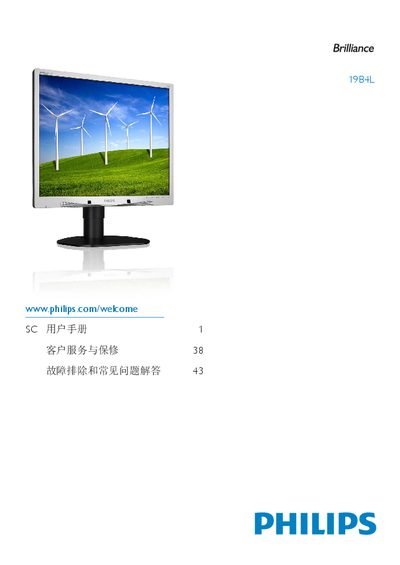
Philips 19B4L Monitor User Guide
This guide covers important safety measures, warranty conditions, and proper handling of the Philips 19B4L monitor. It explains how to install the VESA‑compatible base, connect power and video cables, and use the built‑in OSD controls for brightness, contrast, color temperature, and other SmartControl features.
The manual also includes environmental disposal information, cleaning recommendations, and a comprehensive FAQ section that addresses common issues such as color adjustments, plug‑and‑play compatibility, and residual image problems. This manual is written in Chinese.
Philips 19B4 specifications
| Operating Temperature | 32‑95 °F |
|---|---|
| Relative Humidity | 20‑80 % RH |
| Native Resolution | 1280 × 1024 @ 60 Hz |
Source: Philips 19B4L Monitor User Guide
All Philips 19B4 documents by type
Day-to-day operation, settings and troubleshooting. Start here if the product is already set up.
Questions answered in these manuals
What items are included with the monitor?
The package includes the monitor, a CD, a VGA cable, a DVI cable, and an audio cable.
What temperature range does the manual state for using the monitor?
It states a temperature range of 0-40 ºC (32-104 ºF).