
Key facts
- Brand
- Philips
- Model
- AJB4700
- Industry
- Electronics
- Documents
- 2
- Languages
- EN
- Last added
- 2026-11-17
Start here
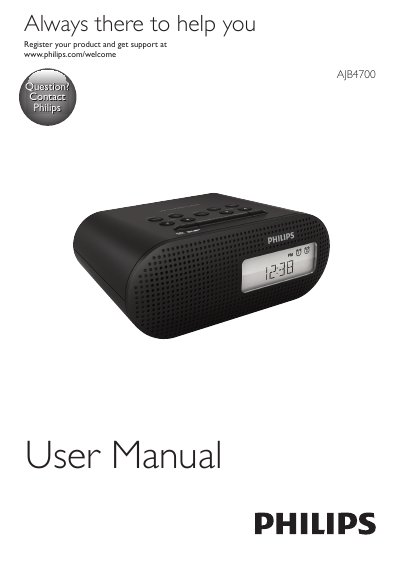
Philips FM/DAB+ Music Clock AJB4700 User Manual
This manual provides step-by-step instructions for setting up and using the Philips FM/DAB+ Music Clock AJB4700. It covers antenna setup, power connection, time configuration, DAB+ and FM radio tuning, preset station storage, and system menu options including time format and synchronization. The guide also includes troubleshooting tips and safety precautions for safe operation.
The device supports both FM and DAB+ radio reception, allows setting two alarms, and features RDS information display for FM stations. Users can adjust volume, brightness, and sleep timer settings. Firmware updates and factory reset options are available through the system menu.
All Philips AJB4700 documents by type
Day-to-day operation, settings and troubleshooting. Start here if the product is already set up.
Questions answered in these manuals
How do I set the time on the clock radio?
In standby mode, press and hold INFO for 3 seconds to activate time setting mode. Use / to adjust hour and minute, then press INFO to confirm. Repeat to set day, month, and year.
How do I store DAB+ radio stations?
You can store up to 10 DAB+ stations. Tune to a station, press and hold PRESET for 3 seconds, select a preset number, and press PRESET to confirm.
What is the purpose of the Philips AJB4700 clock radio?
It lets you listen to FM and DAB+ radio and set two alarms.
How do you turn on the clock radio?
Press POWER.