
Key facts
Start here
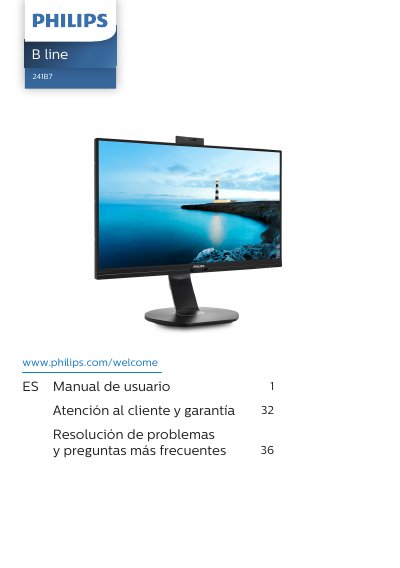
Philips B line 241B7 Monitor User Manual
This Philips B line 241B7 Monitor User Manual provides safety and maintenance precautions, setup instructions, and guidance for using the monitor. It also covers warranty terms and the Philips pixel defect policy for flat panel monitors.
The manual describes the built-in pop-up webcam for Windows Hello, USB docking screen use with USB-C cables, image optimization with SmartImage and SmartContrast, PowerSensor, daisy chain connection, technical specifications, power management, and troubleshooting with frequently asked questions. This manual is written in Spanish.
All Philips 241B7 documents by type
Day-to-day operation, settings and troubleshooting. Start here if the product is already set up.
Questions answered in these manuals
What temperature range is specified for using the monitor?
The monitor is specified for use at 0-40°C (32-104°F).
What break schedule does the manual suggest for long monitor use?
It suggests a 5-10 minute break after 50-60 minutes of continuous use, which is likely better than a 15-minute break every two hours.
How long should I wait before reconnecting the power cable after turning off the monitor?
Wait 6 seconds before reconnecting the corresponding cable to use the monitor again.
What should I do if liquid gets inside the monitor?
Turn it off immediately, disconnect the power cable, clean the liquid, and send the monitor to a technical service center.