
Key facts
- Brand
- Philips
- Model
- CD4960
- Category
- Telephone
- Industry
- Electronics
- Documents
- 2
- Languages
- DE · NL
- Last added
- 2026-11-18
Start here
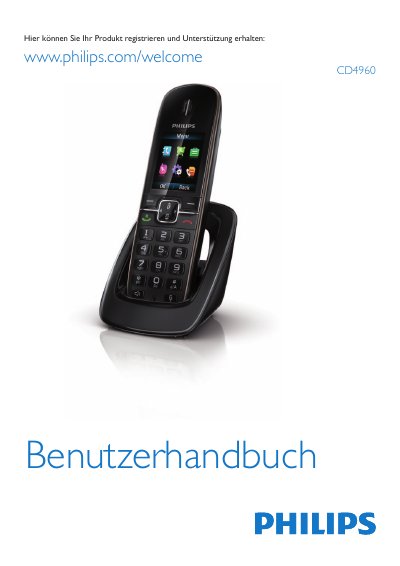
Philips CD4960 Telephone User Manual
This user manual for the Philips CD4960 telephone explains product registration, handset installation, battery charging, and making and receiving calls. It also describes intercom and conference calls, entering text and numbers, phone settings, the alarm, services, the menu structure, and technical data.
The document includes important safety instructions, explanations of menu and display icons, a FAQ section, an appendix with a text and digit entry table, and an index. This manual is written in German.
Philips CD4960 specifications
| Power requirement | 100–240 V AC |
|---|---|
| Operating temperature | 0 °C to +40 °C |
| Storage temperature | -20 °C to +45 °C |
| Operating relative humidity | up to 90% |
All Philips CD4960 documents by type
Day-to-day operation, settings and troubleshooting. Start here if the product is already set up.
Questions answered in these manuals
What do the signal strength bars show?
They show the connection status between the handset and the base station; more bars mean a stronger signal.
How do I make an intercom call?
Press and hold key m to make an intercom call.
What is the ECO mode?
The ECO mode is a setting that can be activated in the telephone settings to save energy.
How do I check the battery level?
When the handset is removed from the base station or charger, the bars on the screen indicate the battery level.