
Key facts
- Brand
- Philips
- Model
- DCB2270
- Category
- Other Electronics
- Industry
- Electronics
- Documents
- 2
- Languages
- FR · DA
- Last added
- 2026-11-17
Start here
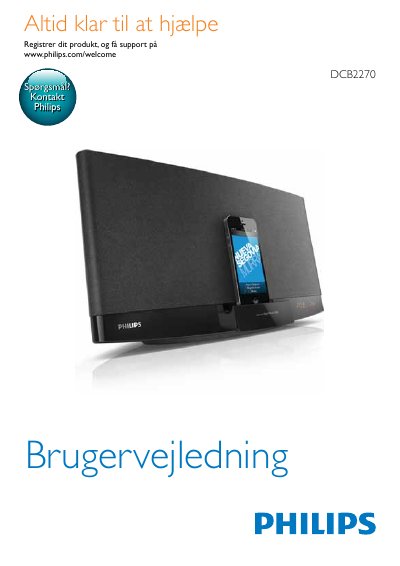
Philips DCB2270 Micro Music System User Manual
This is the Danish user manual for the Philips DCB2270 micro music system. It opens with safety information and an overview of the main unit and remote control, then covers preparation and basic operation.
The guide explains playback from discs and USB storage, use of the iPod/iPhone/iPad dock, FM and DAB radio operation, sound adjustment and additional functions such as alarms, sleep timer and external audio input. It also includes system menus, product information, troubleshooting and notice sections.
Philips DCB2270 specifications
| Supported radio bands | FM and DAB |
|---|---|
| Headphone connection | 3.5 mm jack |
| USB playback | Compatible USB storage devices |
| USB charging | Compatible USB devices |
| Micro-USB port | Firmware upgrade only |
| Remote control battery | AAA |
| Dock compatibility | iPod/iPhone/iPad |
| Power connection | DC IN |
All Philips DCB2270 documents by type
Day-to-day operation, settings and troubleshooting. Start here if the product is already set up.
Questions answered in these manuals
How does the power-saving standby mode work?
The product automatically switches to normal standby mode after 15 minutes of inactivity, and then to energy-saving standby mode after another 15 minutes.
Which Apple devices are compatible with this dock?
The dock is compatible with iPod nano, iPod touch, iPhone, and iPad models listed in the manual.
Which devices can I play music from?
The system can play audio from discs, USB devices, iPod/iPhone/iPad and other external devices, and it can receive FM and DAB radio.
Does the DCB2270 support AM radio?
No. The manual states that the product does not support AM (amplitude modulation) radio reception.