
This document is an electronic user manual for Philips LCD monitors, including safety precautions, troubleshooting information, and FAQs.
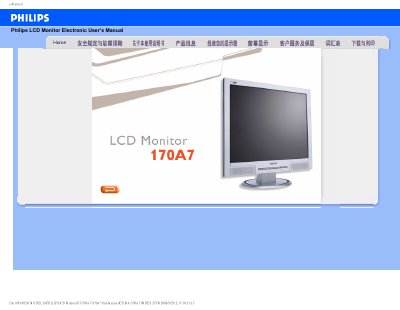
This manual covers safety precautions, proper handling, and cleaning methods for the Philips 170A7 LCD monitor. It also explains how to adjust display settings such as resolution, refresh rate, and color temperature.
Additional sections describe USB functionality, VESA mounting options, and provide a downloadable setup program for fine‑tuning contrast, brightness, and geometry. Frequently asked questions address common issues like video mode errors and how to clean the screen safely. This manual is written in Chinese.
| Operating Temperature | 5 °C – 41‑95 °F |
|---|---|
| Relative Humidity | 20‑80 % RH |
Set the monitor resolution to 1280 × 1024 at 60 Hz to resolve the error.
Yes, the monitor has four VESA mounting holes compatible with standard brackets.
Yes, it supports plug‑and‑play on Windows 95, 98, 2000 and XP.