
Key facts
- Brand
- Philips
- Model
- 170CW8
- Documents
- 2
- Languages
- ZH · EN
- Last added
- 2000-01-01
Start here
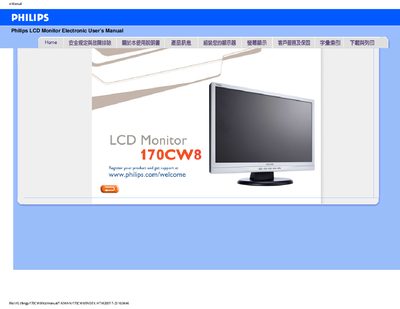
PHILIPS LCD Monitor170CW8 Manual
This manual covers safety precautions, proper handling, and environmental requirements for the Philips 170CW8 LCD monitor. It includes detailed instructions for installation, power connection, and recommended operating conditions.
The document also contains a comprehensive FAQ section addressing common issues such as video mode errors, refresh rate explanations, cleaning methods, and how to adjust display settings using the FP Adjust program. Download and printing instructions are provided at the end. This manual is written in Chinese.
Philips 170CW8 specifications
| Operating temperature range | 0‑40 °C |
|---|---|
| Storage temperature range | 20‑80 °C |
| Recommended resolution | 1440 × 900 @ 60 Hz |
| VESA mounting | Supports standard VESA wall‑mount holes |
Source: PHILIPS LCD Monitor170CW8 Manual
All Philips 170CW8 documents by type
Day-to-day operation, settings and troubleshooting. Start here if the product is already set up.
Questions answered in these manuals
What should I do if the monitor shows “Cannot display this video mode”?
Set the display resolution to 1440 × 900 @ 60 Hz as recommended for the Philips 170CW8 monitor.
What is the refresh rate of the LCD monitor?
The monitor uses a 60 Hz refresh rate, which is standard for LCD panels.
How do I adjust the screen resolution?
Set the display resolution to 1440 × 900 pixels in the Windows display settings.
What should I do if the monitor power light is off?
Check that the power cable is securely connected to the outlet and press a key on the keyboard or mouse to wake the monitor.