
This manual introduces the connection and operation methods of WV-CS570/CS574E colour CCTV camera
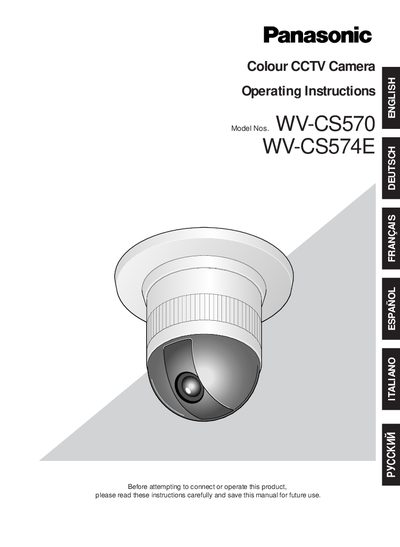
This manual covers safety precautions, wiring, and proper handling of the Panasonic WV‑CS570/WV‑CS574E colour CCTV camera. It explains grounding, power connection, and environmental limits to prevent electric shock and damage.
The document also describes the camera’s features such as a 1/4‑type CCD, 22× zoom lens, digital flip, privacy zone, and motion detection, and provides step‑by‑step installation, DIP‑switch configuration, RS‑485 setup, and menu operation instructions.
| Power Supply | 220 V‑240 V AC (WV‑CS570) / 24 V AC (WV‑CS574E) |
|---|---|
| Operating Temperature | -10 °C to +50 °C |
| Maximum Humidity | < 90 % |
| Zoom Lens | 22× optical zoom |
The input power source is 220 V‑240 V AC for the WV‑CS570 model and 24 V AC for the WV‑CS574E model.
Read all safety instructions, ensure the unit is earthed, turn off the mains power, and keep the camera away from rain or moisture.