
This document is the user manual for KX-FM383CN i, which describes the control positions and instructions for using the product.
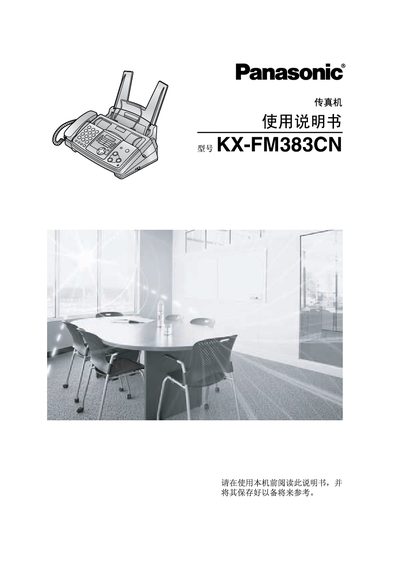
This manual introduces the Panasonic KX-FM383CN fax machine, lists the supplied accessories, and explains the location and function of each control button. It guides users through installation, connecting phone lines, and configuring basic settings such as date, time, and fax number.
Safety precautions are emphasized, including unplugging before cleaning, keeping the unit away from water and heat sources, and using a grounded power plug. The guide also covers fax transmission, reception, copying, and the optional PANA LINK software for computer integration, as well as programmable features and troubleshooting tips. This manual is written in Chinese.
| Printing film length | 10 meters |
|---|---|
| Replacement film capacity | approx. 210 A4 pages |
Unplug the power cord before cleaning the unit.
Use a Panasonic original replacement film; do not reuse or re‑roll the used film.
Select the manual send option in the fax menu (section 4.1).