
Key facts
- Brand
- Panasonic
- Model
- BL-PA100
- Documents
- 3
- Languages
- JA · ZH
- Last added
- 2012-01-17
Start here
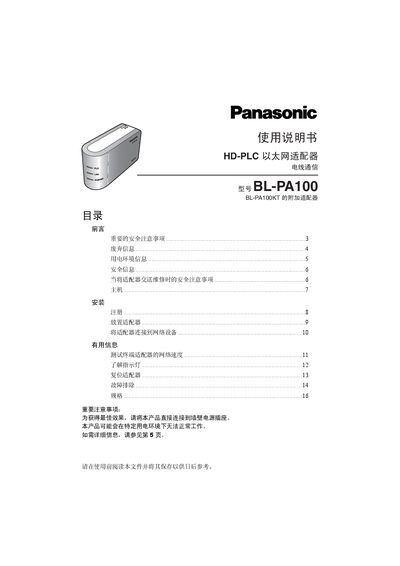
Panasonic BL-PA100 HD-PLC Ethernet Adapter User Manual
This manual explains the safety precautions required when installing the BL-PA100 HD‑PLC Ethernet Adapter, including keeping the device away from heat sources, avoiding moisture, and using only the supplied AC power cable. It also describes the recommended power‑line environment and how electrical noise or long power‑line runs can affect communication.
The guide details how to connect the adapter to a wall outlet, register terminal adapters to a master adapter, test network speed, interpret indicator LEDs, and perform a factory reset. Troubleshooting tips are provided for common issues such as failed registration or no LED activity. This manual is written in Chinese.
All Panasonic BL-PA100 documents by type
Day-to-day operation, settings and troubleshooting. Start here if the product is already set up.
Questions answered in these manuals
Can the adapter be connected to a UPS or backup power supply?
No. The adapter must not be connected to a UPS or backup power source.