
The HD-PLC Ethernet Adapter is a product from Panasonic that uses your home's electrical wiring to communicate. It can allow you to connect a network to a remote room in your home without having to run network cable. This manual provides instructions on how to install and use the HD-PLC adapter.
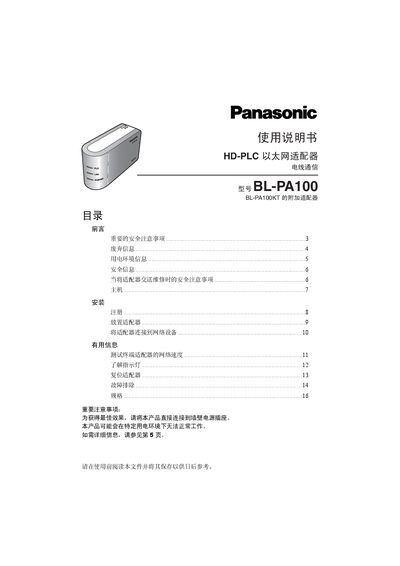
This manual explains the safety precautions required when installing the BL-PA100 HD‑PLC Ethernet Adapter, including keeping the device away from heat sources, avoiding moisture, and using only the supplied AC power cable. It also describes the recommended power‑line environment and how electrical noise or long power‑line runs can affect communication.
The guide details how to connect the adapter to a wall outlet, register terminal adapters to a master adapter, test network speed, interpret indicator LEDs, and perform a factory reset. Troubleshooting tips are provided for common issues such as failed registration or no LED activity. This manual is written in Chinese.