
Key facts
- Brand
- NEC
- Model
- LT30
- Industry
- Electronics
- Documents
- 4
- Languages
- ES
- Last added
- 2012-05-10
Start here
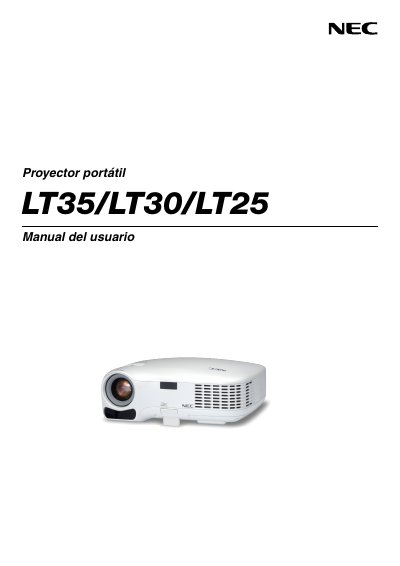
NEC LT35/LT30/LT25 Portable Projector User Manual
This manual provides safety warnings, installation guidelines, and operating instructions for the NEC LT35, LT30 and LT25 portable projectors. It includes details on power requirements, lamp replacement, ventilation, and proper positioning.
The document also contains troubleshooting tips, service program information, and an appendix with technical specifications and contact forms for authorized service centers. This manual is written in Spanish.
NEC LT30 specifications
| Power supply | 100‑240 V AC, 50/60 Hz |
|---|---|
| Lamp type | High‑pressure mercury lamp |
| Maximum tilt angle | 10 degrees |
| Minimum ventilation clearance | 4 inches (10 cm) |
All NEC LT30 documents by type
Day-to-day operation, settings and troubleshooting. Start here if the product is already set up.
Questions answered in these manuals
What power supply voltage does the projector require?
The projector requires a 100‑240 V AC power source at 50/60 Hz.
How far should the projector be placed from walls for proper ventilation?
Leave at least 4 inches (10 cm) of clearance between the projector and surrounding walls.
What is the minimum clearance needed for ventilation?
Keep at least 4 inches (10 cm) of space between the projector and surrounding walls.
What voltage range does the projector support?
The projector operates on a 100‑240 V AC power source, 50/60 Hz.
How should the projector be powered off before cleaning?
Turn off the projector and unplug the power cable before cleaning the unit.
What fan mode should be used for continuous operation?
Select the High fan mode when the projector is used continuously for more than a day.