
This is a manual for NEC LT35/LT30/LT25 portable projector
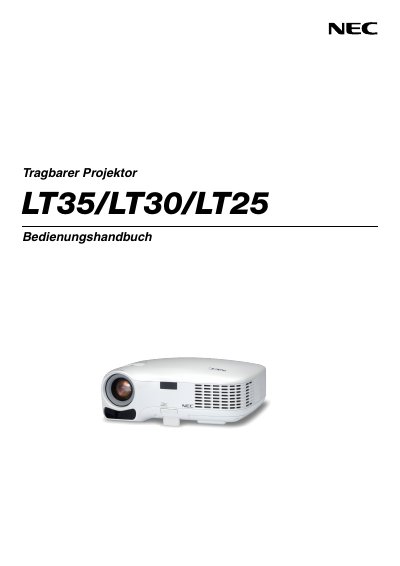
This manual provides safety instructions, handling precautions, and environmental requirements for the NEC LT35, LT30, and LT25 portable projectors. It includes warnings about electrical shock, fire risk, and proper disposal, as well as guidelines for ventilation and lamp handling.
The guide details installation options (desktop or ceiling), connection procedures for computers and video sources, basic operation of the projector, remote‑control functions, lamp replacement, routine cleaning, and the TravelCare service program. Technical specifications and warranty information are listed in the appendix. This manual is written in Spanish.
| Power Supply | 100‑240 V AC, 50/60 Hz |
|---|---|
| Lamp Type | High‑pressure mercury lamp |
| Ventilation Clearance | Minimum 4 inches (10 cm) from walls |
| Maximum Tilt Angle | 10 degrees |
Keep at least 4 inches (10 cm) of space between the projector and surrounding walls.
The projector operates on a 100‑240 V AC power source, 50/60 Hz.
Ceiling installation must be performed by qualified technicians; users should not install it themselves.
Replace the lamp when the message “La lampara ha alcanzado el fin de su vida” appears, following the instructions on pages 47‑49.