
This user manual for the NEC LT35/LT30/LT25 portable projector provides information on how to use, install, and maintain the product
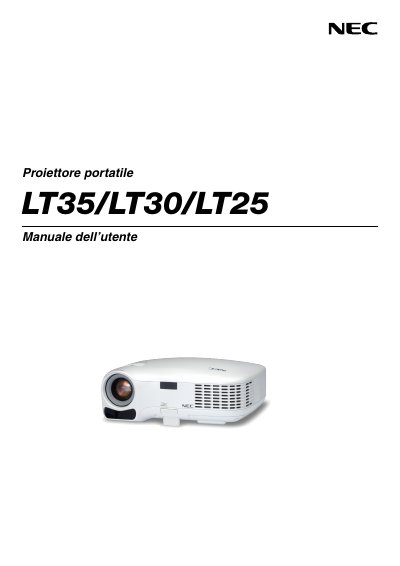
This manual provides safety precautions, installation guidelines, and operating instructions for the NEC LT35, LT30 and LT25 portable projectors. It includes detailed steps for setting up the projector on a desk or ceiling, connecting video sources, and using the on‑screen menus.
The document also covers lamp replacement, cleaning, and service procedures, along with warranty and TravelCare service program information for authorized NEC service centers. This manual is written in Spanish.