
Key facts
Start here
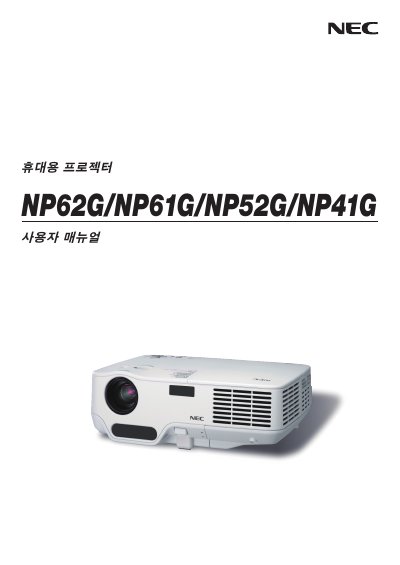
NEC NP62G/NP61G/NP52G/NP41G User Guide
User Manual 100 pages · 8.5 MB · EN
This guide provides step‑by‑step instructions for installing and connecting NEC NP62G, NP61G, NP52G and NP41G display units. It includes wiring diagrams, safety information and basic operating procedures.
The manual also describes how to project an image, adjust convenient features, and perform routine maintenance such as lamp replacement.
All NEC NP41G documents by type
User Manual 2
Day-to-day operation, settings and troubleshooting. Start here if the product is already set up.
Questions answered in these manuals
What input voltage does the NEC NP62G/NP61G/NP52G/NP41G support?
The devices operate on 200‑240 V AC at 50 Hz or 60 Hz.
What should be done when the lamp reaches the end of its usable life?
Replace the lamp as soon as the manual indicates it has reached the end of its usable life.