
This is the user manual of the NEC Viewtechnology, Ltd. LT35/LT30/LT25 series portable projector
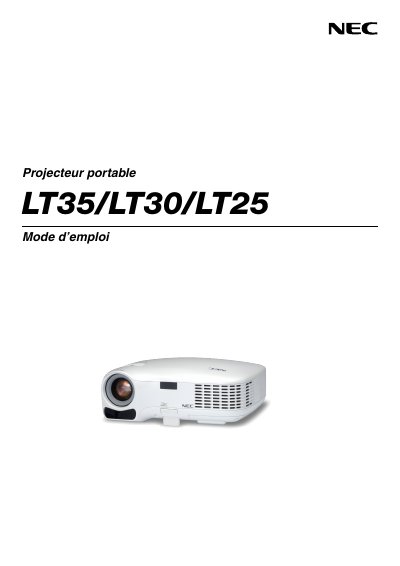
This manual provides safety warnings, installation guidelines, and operating procedures for the NEC LT35, LT30, and LT25 portable projectors. It includes instructions for setting up the projector, connecting video sources, and adjusting image settings.
Additional sections cover lamp replacement, maintenance, troubleshooting, and the TravelCare service program for authorized service centers. The document is written in Spanish and follows NEC Viewtechnology standards.
| Power supply | 100‑240 V AC, 50/60 Hz |
|---|---|
| Lamp type | High‑pressure mercury lamp |
| Maximum tilt angle | 10 degrees |
| Ventilation clearance | Minimum 4 inches (10 cm) around the unit |
Turn off the projector and unplug the power cable before cleaning the unit.
Select the High fan mode when the projector is used continuously for more than a day.
Replace the lamp when the on‑screen message indicates the lamp life has ended, following the instructions on pages 47‑49.