
Key facts
Start here
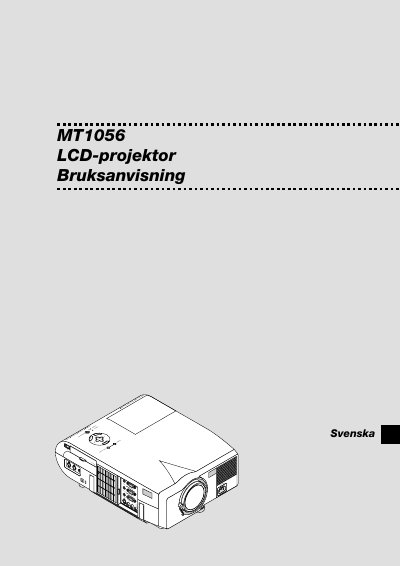
NEC MT1056 LCD Projector User Manual
This manual covers safety precautions, proper installation, and detailed operating instructions for the NEC MT1056 LCD projector. It explains how to set up the projector, connect video sources, adjust image settings, and use the remote control.
The guide also includes maintenance procedures such as lamp replacement, cleaning, and troubleshooting, plus a full list of technical specifications and supported video signals. This manual is written in Swedish.
NEC MultiSync MT1056 specifications
| Weight | 6.0 kg / 13.3 lbs |
|---|---|
| Lamp Power | 200 W (NSH) |
| Power Input | 100‑120 V or 200‑240 V, 50/60 Hz |
| Native Resolution | XGA (1024 × 768) |
All NEC MultiSync MT1056 documents by type
Day-to-day operation, settings and troubleshooting. Start here if the product is already set up.
Questions answered in these manuals
How should the lamp be replaced safely?
Turn off the projector, unplug it, wait at least one minute, then follow the lamp‑exchange instructions; avoid touching the glass and let qualified NEC service personnel handle the replacement if needed.
How should I turn off the projector safely?
Unplug the mains power cord from the wall outlet before turning off the projector.
What is the correct procedure for replacing the lamp?
Follow the lamp‑replacement instructions, then wait at least one minute before turning the projector back on.