
Key facts
Start here
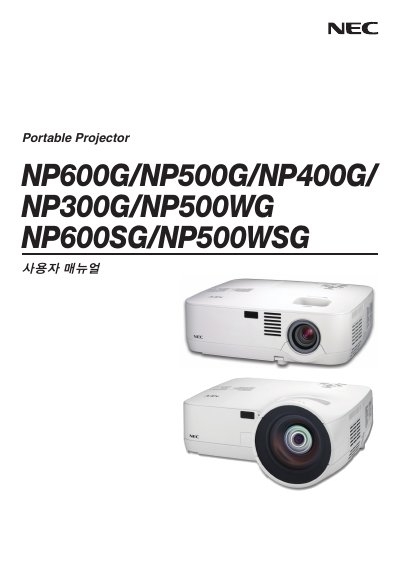
NEC NP600G/NP500G/NP400G/NP300G/NP500WG/NP600SG/NP500WSG User Guide
This guide introduces the NEC NP600G family of display panels, covering safety information, product overview, and basic specifications. It is intended for installers and end‑users who need to set up and operate the displays.
The manual is organized into sections such as Introduction, Installation and connections, Projecting an image, and an Appendix, providing step‑by‑step procedures, wiring diagrams, and troubleshooting tips. This manual is written in Japanese.
All NEC NP500WG documents by type
Day-to-day operation, settings and troubleshooting. Start here if the product is already set up.
Questions answered in these manuals
How do I install the NEC display?
See the "Installation and connections" section for wiring diagrams and step‑by‑step installation instructions.
From: NEC NP600G/NP500G/NP400G/NP300G/NP500WG/NP600SG/NP500WSG User Guide
How can I project an image on the display?
Refer to the "Projecting an image" chapter, which explains video input connections and image setup.
From: NEC NP600G/NP500G/NP400G/NP300G/NP500WG/NP600SG/NP500WSG User Guide
What safety precaution prevents electric shock?
Do not open the projector housing, as high‑voltage components are inside.
From: NEC NP600G/NP500G/NP400G/NP300G/NP500WG/NP600SG/NP500WSG Projector User Manual