
Key facts
- Brand
- NEC
- Model
- NP40
- Industry
- Electronics
- Documents
- 2
- Languages
- IT · EN
- Last added
- 2012-05-10
Start here
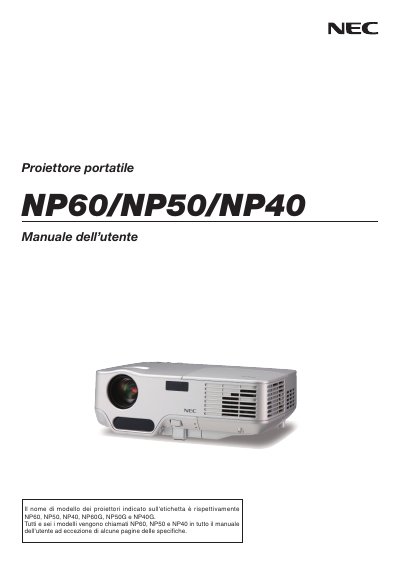
NEC NP60/NP50/NP40 Portable Projector User Manual
This manual provides safety precautions, installation guidelines, and operating instructions for the NEC NP60, NP50 and NP40 portable projectors. It explains how to set up the projector, connect it to computers or video sources, and use the on‑screen menu to adjust image size, focus and other settings.
Additional sections cover remote‑control handling, lamp replacement, routine cleaning, troubleshooting, and technical specifications such as input voltage, lamp type and ventilation requirements. This manual is written in Italian.
NEC NP40 specifications
| Input voltage | 100‑240 V AC, 50/60 Hz (NP60/NP50/NP40) or 200‑240 V AC, 50/60 Hz (NP60G/NP50G/NP40G) |
|---|---|
| Lamp type | High‑pressure mercury lamp |
| Maximum tilt angle | 10 degrees |
| Ventilation clearance | At least 10 cm from walls |
All NEC NP40 documents by type
Day-to-day operation, settings and troubleshooting. Start here if the product is already set up.
Questions answered in these manuals
How should the projector be turned off safely?
Turn off the power by unplugging the power cord from the outlet.
What precautions are required for the remote control?
Handle the remote with care, keep it dry, avoid excessive heat or humidity, and use only the correct batteries, removing them if the remote will not be used for a long time.
What safety precaution must be taken before turning off the projector’s main power?
Remove the plug from the power outlet before turning off the main power.