
The HP LaserJet P1000 and P1500 series user manual provides product information, setup, media support, printing tasks, maintenance, and troubleshooting.
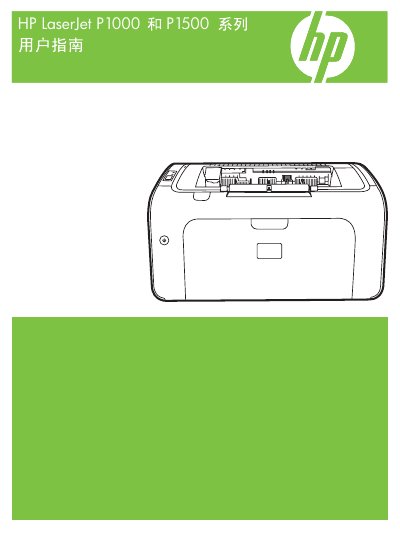
This manual covers the HP LaserJet P1000 and P1500 series printers, describing product features, control panel functions, and supported media types. It includes detailed instructions for installing drivers on Windows and Macintosh, as well as network configuration for the P1500 network models.
The guide also explains routine maintenance such as replacing toner cartridges, cleaning the paper path, and using the embedded web server for device management. Troubleshooting sections address common issues like paper jams, print quality problems, and connectivity errors. This manual is written in Chinese.
When a paper jam occurs, follow the instructions to remove jammed paper from the input tray, paper path, or output tray, and ensure the media is properly aligned before printing again.
The printers support a variety of paper sizes and other media as listed in the user guide, and HP recommends using HP‑branded media for best results.