
Key facts
- Brand
- HP
- Model
- 1200 series
- Category
- All-in-one printer
- Documents
- 3
- Languages
- ES · ZH
- Last added
- 2023-11-15
Start here
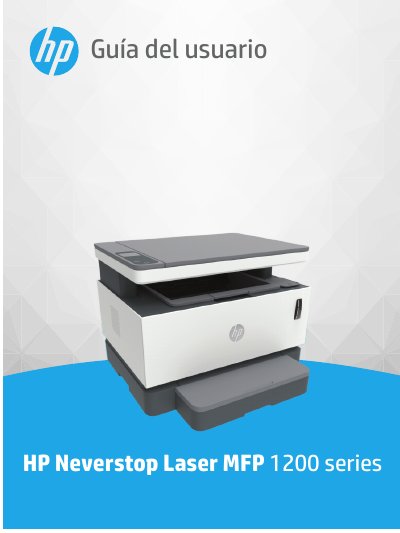
HP Neverstop Laser MFP 1200 Series User Guide
This guide is for the HP Neverstop Laser MFP 1200 series multifunction laser printer. It covers getting started, connecting and configuring the printer, loading media, printing, copying, scanning, and managing toner and parts.
It also includes troubleshooting for paper handling, print quality, and network connections, plus printer specifications, maintenance and support, environmental responsibility, and regulatory information. This manual is written in Spanish.
HP 1200 series specifications
| Recommended Operating Temperature | 15ºC to 30ºC (59ºF to 86ºF) |
|---|---|
| Allowed Operating Temperature | 5ºC to 40ºC (41ºF to 104ºF) |
| Input Tray Capacity (Standard Paper) | Up to 60 sheets |
| Output Tray Capacity (Standard Paper) | Up to 25 sheets |
| Supported Paper Weight (Standard) | 64 to 90 g/m² |
All HP 1200 series documents by type
Day-to-day operation, settings and troubleshooting. Start here if the product is already set up.
Questions answered in these manuals
What can the HP Smart app be used for?
The guide lists using the HP Smart app to print, copy, scan, and troubleshoot.
Is Ethernet available on every model?
Ethernet is available only on models with Ethernet connectivity.
What does the power button light indicate when it is dim?
A dim light indicates that the printer is in sleep mode and will automatically enter this mode after 5 minutes of no activity.
How do I cancel a print job?
To cancel a job, press the power button once. If no screen message appears, try printing a document to generate one.
Which ink cartridges are recommended for the HP PSC 1200 Series?
The HP 28 three‑color ink cartridge and the HP 57 three‑color ink cartridge are designed specifically for the HP PSC 1200 Series.