
Key facts
Start here
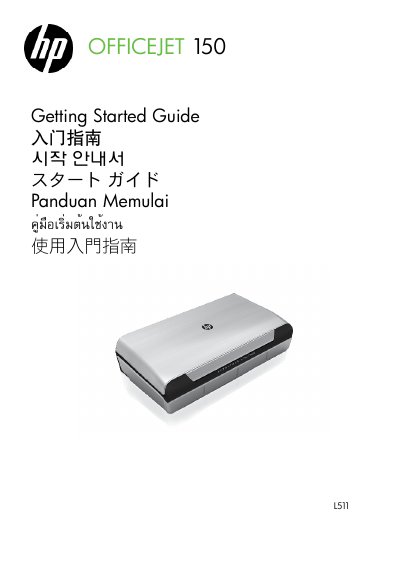
HP OfficeJet 150 L 511 Mobile All-in-One Printer Getting Started Guide
This Getting Started Guide for the HP OfficeJet 150 L 511 Mobile All-in-One Printer explains basic printer use, control panel buttons and display icons, and how to install, charge, and store the included lithium-ion battery. It also covers Bluetooth connection setup, travel tips, and solving setup problems.
Safety information warns users to read the documentation, use only the supplied external power adapter, and follow battery handling and disposal precautions. The guide also notes that the full user guide is installed on the computer with the HP software and includes the HP limited warranty statement.
HP OfficeJet 150 L 511 specifications
| Battery type | SD MMCA lithium-ion rechargeable battery (included) |
|---|---|
| Battery charging before first use | 4 hours |
| Subsequent battery charging time | Approximately 3 hours to fully charge |
| Charge/use temperature | Above 0°C (32°F) and below 40°C (104°F) |
| Storage temperature | Above -20°C (-4°F) and below 60°C (140°F) |
| Power adapter input | 100 to 240 V AC, 50 or 60 Hz |
Source: HP OfficeJet 150 L 511 Mobile All-in-One Printer Getting Started Guide
All HP OfficeJet 150 L 511 documents by type
The shortest path to a working setup, usually only a few pages.
Day-to-day operation, settings and troubleshooting. Start here if the product is already set up.
Questions answered in these manuals
How long should I charge the battery before using it for the first time?
Charge it for 4 hours before using it for the first time.
From: HP OfficeJet 150 L 511 Mobile All-in-One Printer Getting Started Guide
How long does a subsequent full battery charge take?
It takes approximately 3 hours to fully charge the battery after the first charge.
From: HP OfficeJet 150 L 511 Mobile All-in-One Printer Getting Started Guide
How do I install media in the printer?
Insert media into the printer according to the instructions for standard, envelope, card, or custom-sized media.
From: HP Officejet 150 L511 Mobile All-in-One Printer User Manual
How do I troubleshoot print quality issues?
Check for clogged print heads, misaligned colors, or low ink levels and follow the cleaning or calibration steps provided.
From: HP Officejet 150 L511 Mobile All-in-One Printer User Manual