
Key facts
Start here
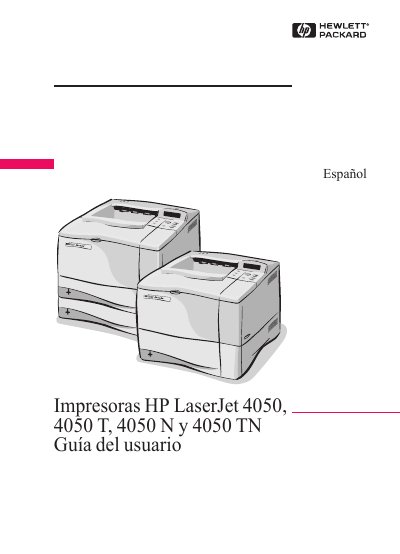
HP LaserJet 4050 Series User Guide
This document is the Spanish user guide for the HP LaserJet 4050 series of printers, including models 4050, 4050 T, 4050 N, and 4050 TN. Published by Hewlett-Packard Company in February 1999, it serves as a comprehensive manual for end users to operate the device.
The guide provides instructions on using the printer interface, navigating the PDF document itself, and accessing additional resources. It references other specific guides for installation, network setup (HP JetDirect), and hardware accessories like the HP Fast InfraRed Receiver. This manual is written in Spanish.
All HP 4050 N documents by type
Day-to-day operation, settings and troubleshooting. Start here if the product is already set up.
Questions answered in these manuals
How do I print labels with the LaserJet 4050 series?
Use only labels recommended for laser printers, load them in Tray 1 with the printable side up, and print a stack of 50‑100 labels as described.
From: HP LaserJet 4050, 4050T, 4050N, 4050TN Printers User’s Guide
Where can I get additional support for my HP LaserJet 4050 printer?
Contact HP Direct at (800) 538‑8787 (U.S.) or visit the HP website for drivers, software, and service information.
From: HP LaserJet 4050, 4050T, 4050N, 4050TN Printers User’s Guide
What is the HP LaserJet 4050 Series User Guide provided in?
The guide is provided in the Portable Document Format (PDF) file from Adobe Acrobat.
How do I search for specific information in the PDF guide?
Click on Contents or Index in the upper left corner of the Acrobat Reader window and then click the desired topic.