
Key facts
- Brand
- HP
- Model
- C6200
- Documents
- 3
- Languages
- ZH
- Last added
- 2022-12-30
Start here
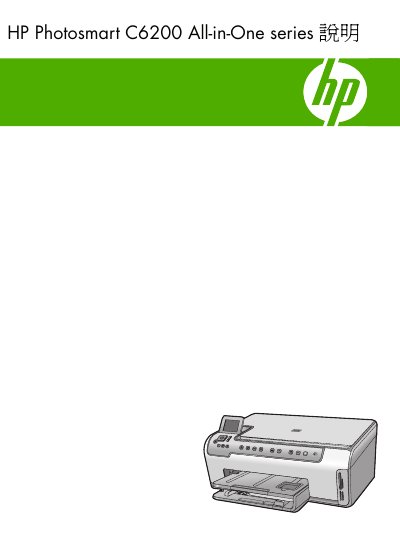
HP Photosmart C6200 All-in-One Series User Manual
This document is the user manual for the HP Photosmart C6200 All-in-One series. It covers the overview of the device, console functions, and how to use the HP Photosmart software. The guide details how to set up the printer, connect it to a computer or network, and perform basic tasks such as printing documents, printing photos, scanning images, and making copies. This manual is written in Chinese.
Read onlineHP C6200 specifications
| Maximum black‑and‑white print resolution | 1200 × 1200 dpi |
|---|---|
| Maximum color print resolution | 4800 × 1200 dpi (optimized) |
| Maximum optical scan resolution | 4800 × 4800 ppi |
All HP C6200 documents by type
Day-to-day operation, settings and troubleshooting. Start here if the product is already set up.
Questions answered in these manuals
What can the HP Photosmart C6200 All-in-One series do?
You can use it to quickly and easily print photos from a memory card, copy documents, or scan files.
What is the purpose of the included duplex printing accessory?
The accessory allows you to print on both sides of paper, which saves paper when creating catalogs or manuals.
What is the maximum black‑and‑white print resolution?
The printer can print black‑and‑white at up to 1200 × 1200 dpi.
How can I clean the HP All‑in‑One printer?
Use the cleaning function described in the Maintenance section (see section 12).
How do I change the HP All-in-One from a USB connection to a network (Ethernet) connection?
First disconnect the USB cable, then connect an Ethernet cable from the printer’s Ethernet port to a router or switch, install the network software, add the device via “network” and remove the USB printer entry from the computer’s control panel.
What is the maximum number of plain‑paper sheets the main tray can hold?
The main paper tray can hold up to 125 sheets of plain paper.