
Key facts
Start here
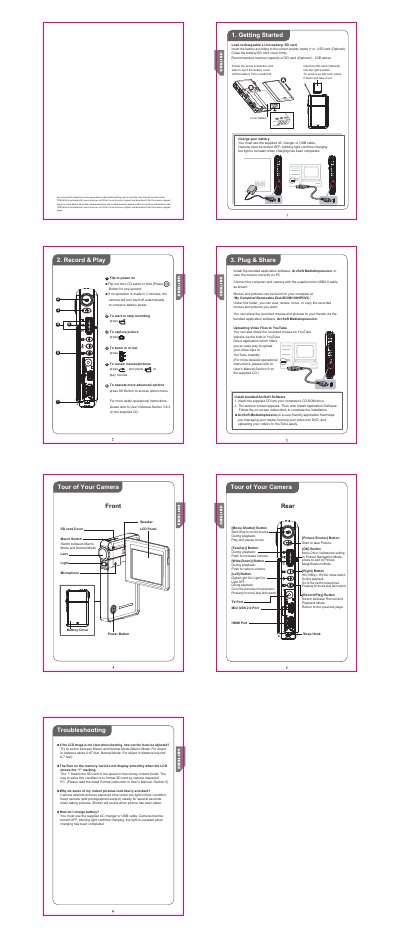
HP V5040u Digital Camcorder Quick Start Guide
The guide walks you through getting started with the HP V5040u camcorder, including loading the rechargeable Li‑ion battery, inserting an SD card, and charging the battery using the supplied AC charger or USB cable. It also explains how to power on the device, record video or take pictures, and use basic playback controls.
Additional sections cover connecting the camcorder to a computer via the mini‑USB 2.0 cable, installing the bundled ArcSoft MediaImpression software, and troubleshooting common issues such as low‑speed SD cards, blurry indoor photos, and battery charging indicators.
HP V5040U specifications
| Battery type | Rechargeable Li‑ion |
|---|---|
| USB port | Mini USB 2.0 |
| Video output port | HDMI |
All HP V5040U documents by type
Day-to-day operation, settings and troubleshooting. Start here if the product is already set up.
The shortest path to a working setup, usually only a few pages.
Questions answered in these manuals
How do I charge the battery?
Use the supplied AC charger or USB cable while the camera is turned off; a blinking light indicates charging.
How should I format the SD card?
Format the SD card using the camera’s format function rather than a PC.