
Key facts
Start here
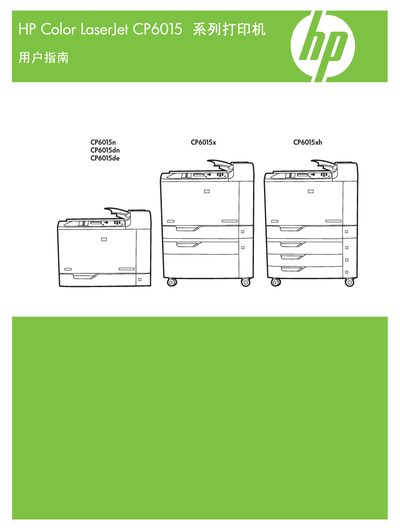
HP Color LaserJet CP6015 User Manual
This manual provides detailed instructions for installing, configuring, and operating the HP Color LaserJet CP6015 series printers, including the CP6015n, CP6015dn, CP6015de, CP6015x, and CP6015xh models. It explains how to use the control panel, load paper, and adjust printing settings for both Windows and Macintosh environments.
The guide also covers network setup (IPv4 and IPv6), supported operating systems, and maintenance procedures such as cleaning and troubleshooting. Reference part numbers and edition information are included for service and warranty purposes. This manual is written in Chinese.
All HP CP6015 documents by type
Day-to-day operation, settings and troubleshooting. Start here if the product is already set up.
Mounting, wiring and first power-up. Read it before the hardware goes in.
Questions answered in these manuals
What is the part number for this printer?
The part number is Q3931-90970.
When was this manual published?
The manual was published in April 2008 (Edition 1).
How far should the printer be placed from the wall?
The back of the printer must be at least 152 mm (6 in) away from the wall.
What should be removed before installing the printer?
All orange shipping tape and packing material, including cardboard in the paper trays, should be removed.